10 Things That Should Exist on Every Website (But Don’t)
Want to take your website to the next level? Discover 10 website must-haves that improve usability, boost trust, and help your site stand out from the crowd.
Have you ever visited a website and something just felt off—like maybe there was a missing element that made the whole site feel incomplete, unprofessional, or even frustrating to use?
You may even feel this way about your own site, as if there’s a missing piece to the puzzle that would take it from good enough to something that truly feels exceptional. While no website is perfect, there are some simple things that should exist on every website, but don’t.
I asked a few Eightfold team members for their personal “website must-haves” so you can get real insights from a content, design, and development point of view. Here’s what we had to say:
1. A Complete Homepage Hub
A website’s homepage should be much more than just a welcome mat for the rest of the site. Instead, it should act as a central hub that helps users understand who you are at a glance and connects them to all of the major pages on the site.
I like to think of a homepage as a tour guide that takes users on a journey as they scroll from top to bottom. Each section should answer an important question and point users toward what to do next.
Websites that neglect their homepage leave so much on the table when it comes to building trust, keeping users engaged, and encouraging them to take action.
2. Clear, Descriptive Copy
Website copy should immediately let users know who you are, what you do, and why they should trust you, no matter where they are on your site.
I know we’ve all seen popular phrases like “Innovative solutions, tailored to you” or “We deliver value-driven results” on websites. While it may seem like using catchy buzzwords is a quick and easy way to sound professional, it actually does the opposite.
Sites that rely on catchy, vague language usually leave users with more questions than answers. It makes it impossible for them to understand your value, trust your message, or know what to do next.
3. CTAs EVERYWHERE
Getting users on your site can be hard enough on its own, but once you finally get them there, don’t make it harder for them to give you their business. Including clear calls-to-action throughout each page of your site makes it easy for users to take the next step at any point in their journey.
Each CTA should also relate to the surrounding content: after explaining a service, invite users to contact you about that same service. This keeps the experience intuitive and helps guide users naturally toward taking action.
4. Proof of Expertise
Users need to trust that you know what you’re doing, and one of the best ways to do this is by giving them proof. Here are some simple ways to prove your expertise:
Testimonials
Case Studies
Client Logos
Performance Metrics
Certifications
Including proof of expertise throughout your site is a simple yet effective way to set yourself apart from the competition and back up your claims. Users are also more likely to take action—whether that’s clicking a CTA, submitting a form, or making a purchase—when they feel confident in your expertise.
5. Basic SEO
Optimizing your site for search engines can seem like a full-time job (and it is), but that doesn’t mean that you should ignore the basics.
At the very least, each page should have unique title tags, meta descriptions, urls, and include relevant keywords in the copy. This helps search engines crawl and index your website, which makes sure users actually see it in search results.
6. High-Quality Imagery
This one comes from Steven, Eightfold’s co-founder and CTO.
He advises that “website owners should move away from stock photography whenever possible. Instead, hire an actual photographer to take good product shots, team photos, and even high-quality photos of your office spaces.”
This not only makes a website more aesthetically pleasing, but it also helps feed back into proof of expertise. High-quality imagery helps build authenticity and shows that there are real people doing real work behind your brand.
7. Accessibility
“Without accessibility, you’re effectively excluding a large group of people from your experience,” says Paula, our Senior Designer and UX/UI expert.
And she’s exactly right: more than 25% of people in the U.S. live with some form of disability. That’s a significant portion of potential users, customers, or clients.
Designing for accessibility doesn’t just support users with disabilities, it improves the experience for everyone. Clear navigation, strong contrast, and thoughtful structure make websites easier to use across all devices and environments, from bright outdoor settings to one-handed mobile use.
As technology continues to evolve—through voice interfaces, AI tools, and new browsing behaviors—accessible websites aren’t just considerate and helpful, but they’re also built for the future.
8. Organization
The final three website must-haves come from Josh, one of Eightfold’s content specialists.
He warns that “Disorganized sites quickly become a tangled mess of old URLs, pages with little content, and low search authority. Consider what information you need on the site, and get that information across in as few pages as possible.”
A well-organized website is easier for users to navigate and for search engines to understand. When content is scattered across too many pages or buried in confusing structures, it creates unnecessary friction for users and weakens your site’s overall effectiveness.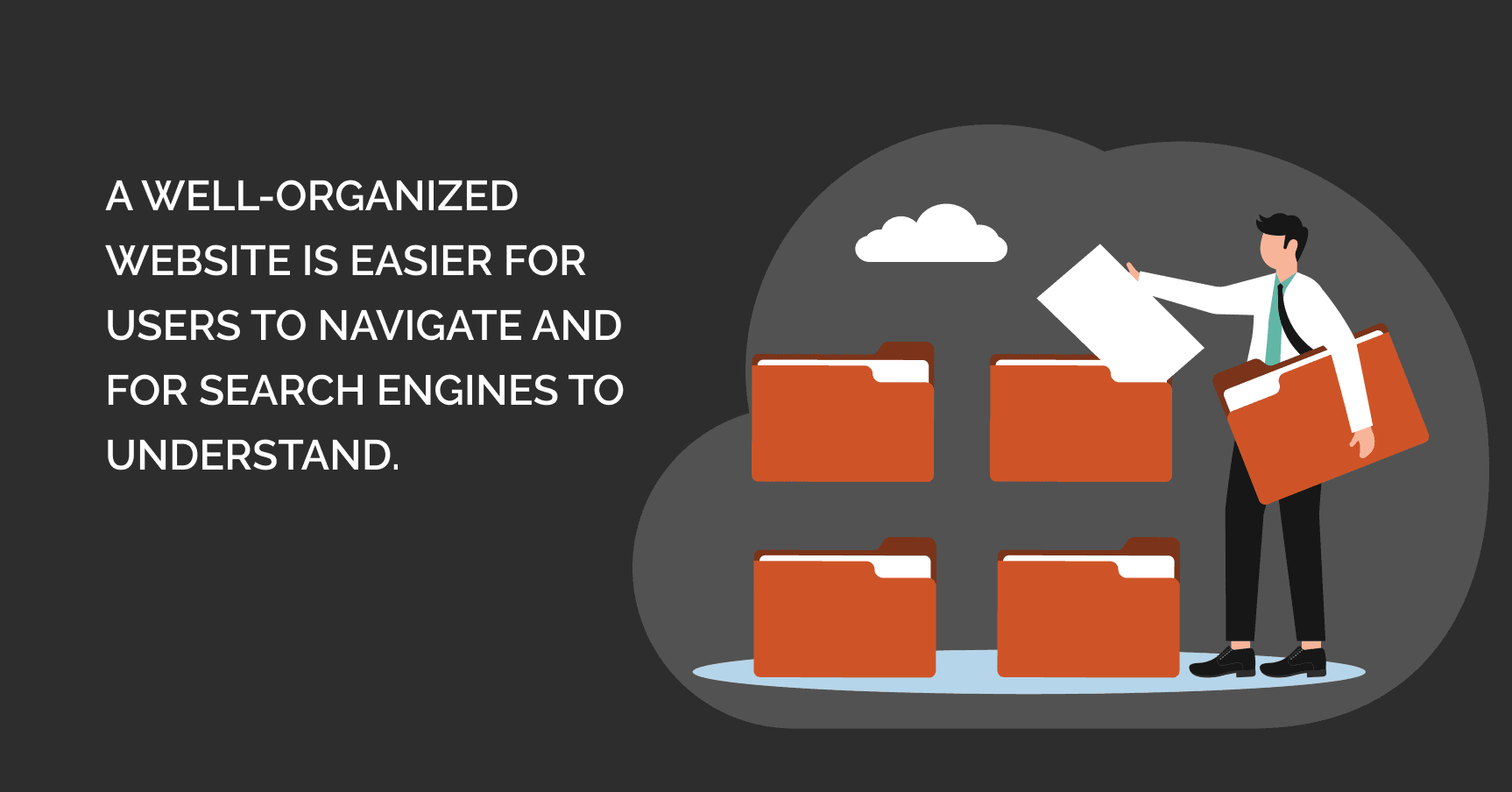
9. Copy Cuts (or a Second Editing Pass)
“Only nerds read. One thing I noticed in most site builds is that the copy starts short and concise, but over time, it gets bloated. Cut down the copy.”
No matter how well-written your web copy is, nobody is going to read a wall of text. Give your website a second editing pass and trim the excess. Keep it concise and easy to scan so users can quickly find what they’re looking for.
10. “The Sauce”
Thanks Josh; this perfectly sums up those hard-to-define qualities that make a website feel exceptional.
In other words, every website has to have a unique personality. It should go beyond basic functionality and create a memorable experience that sets you apart from the crowd.
Whether it’s a special design detail, smooth UX flow, or captivating copy, these elements give your website “the sauce” that makes it feel special and truly complete.
